Where to find my alerts
Access your alerts from the Exceefy notification center or directly by email.
You can find all your alerts directly in the notification center:
Click on your profile photo.
See you in Profile> Notifications.

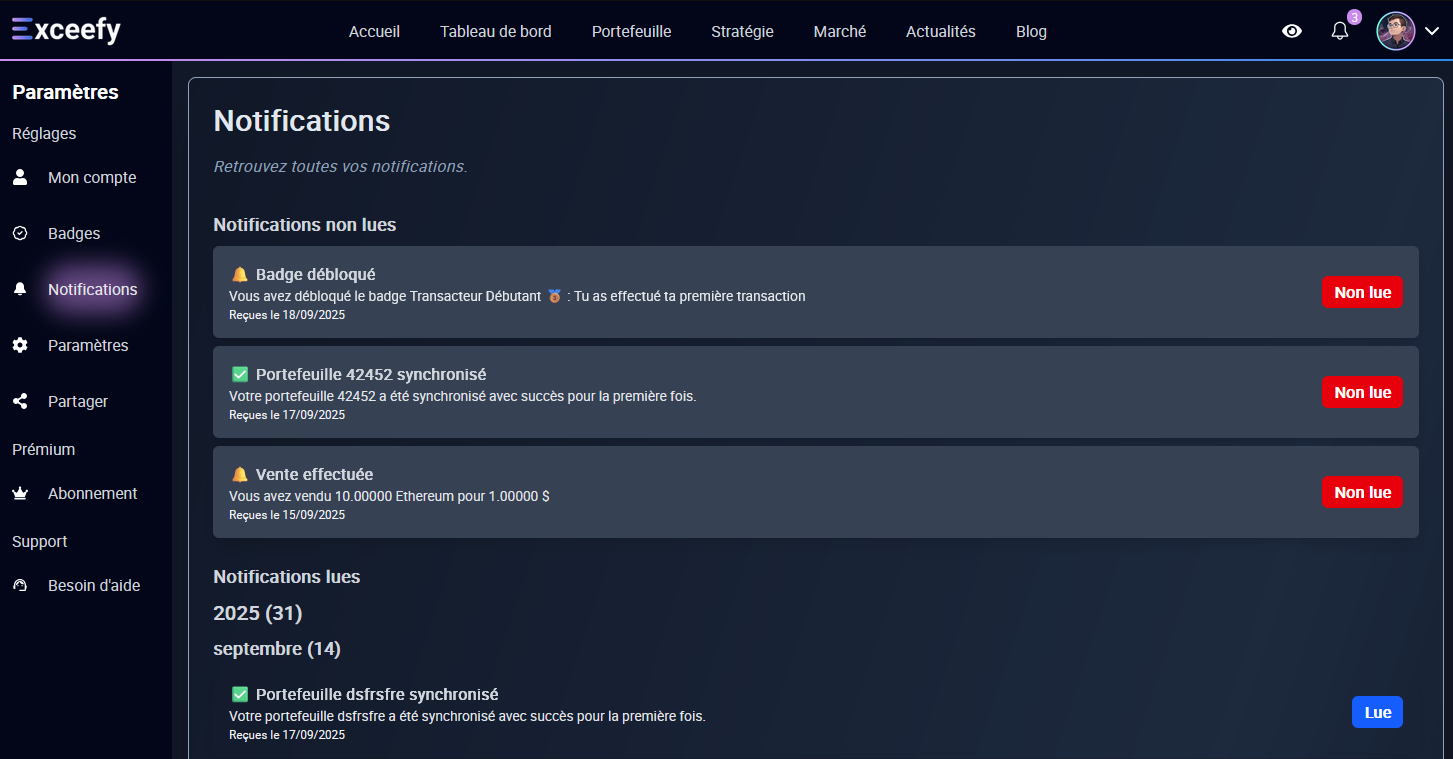
Alerts allow you to receive notifications when an important event occurs in Exceefy.
For example :
Damage to a goal of selling or purchasing a crypto
Obtaining a badge
End of generation of an IA report
End of Synchronization
And many other alerts planned for the future
👉 Notifications appear directly in the application, but also, for certain events such as your sales or purchase orders, by email. 💡 Remember to check your spam if you do not see the email in your reception box.